View Installed Applications
You can check which applications (containers) are running on your Pantavisor-enabled device using two primary methods: the command-line interface or the local web UI.
Using the Command-Line Interface (CLI)
This is the most direct way to see your running containers.
Access the serial console of your target device.
Run the following command:
lxc-lsThis command will display a list of all currently running containers. For example:
os
pvr-sdk
pvwificonnect
Using the Web User Interface (pvtx)
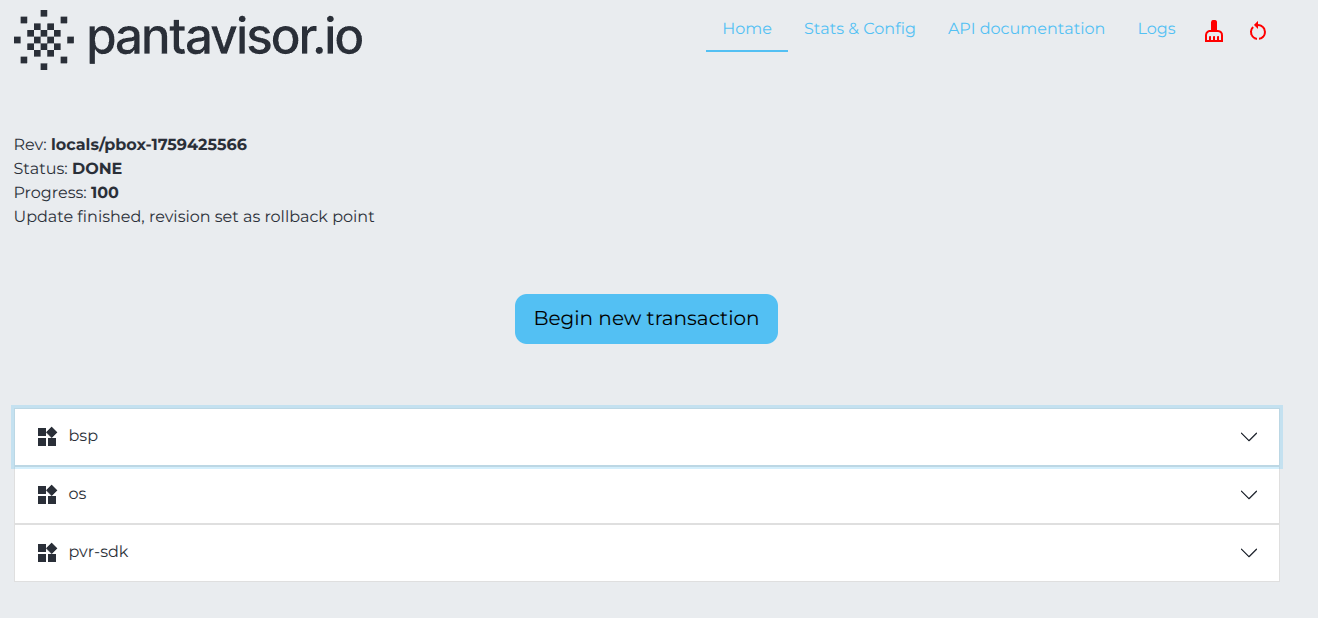
You can also view the running applications from the device’s local web UI, known as pvtx.
Open a web browser and navigate to http://<device-ip>:12368/app, replacing <device-ip> with your device’s actual IP address.
On the homepage, locate the collapsible table which lists all running applications on the device.